
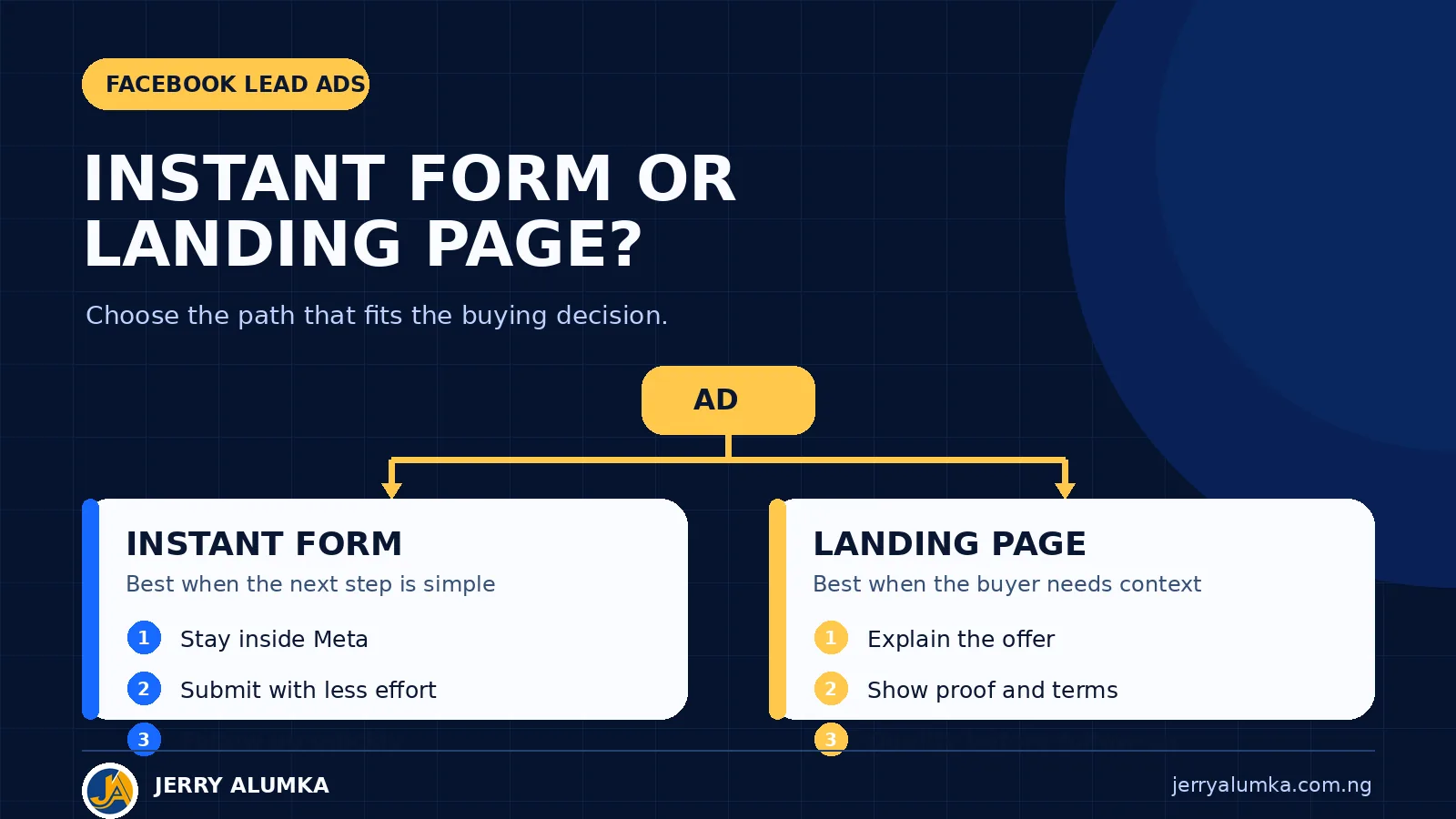
The choice between a Facebook instant form and a landing page begins with what the buyer needs before giving you their details. When the offer is simple and speed helps, the form can open inside Facebook or Instagram. When the buyer needs more explanation, proof or qualification, send the click to a landing page on your website.
Neither route guarantees a good lead. The offer, questions and follow-up still decide what happens after submission.
The advert may be the same, but the next step is not
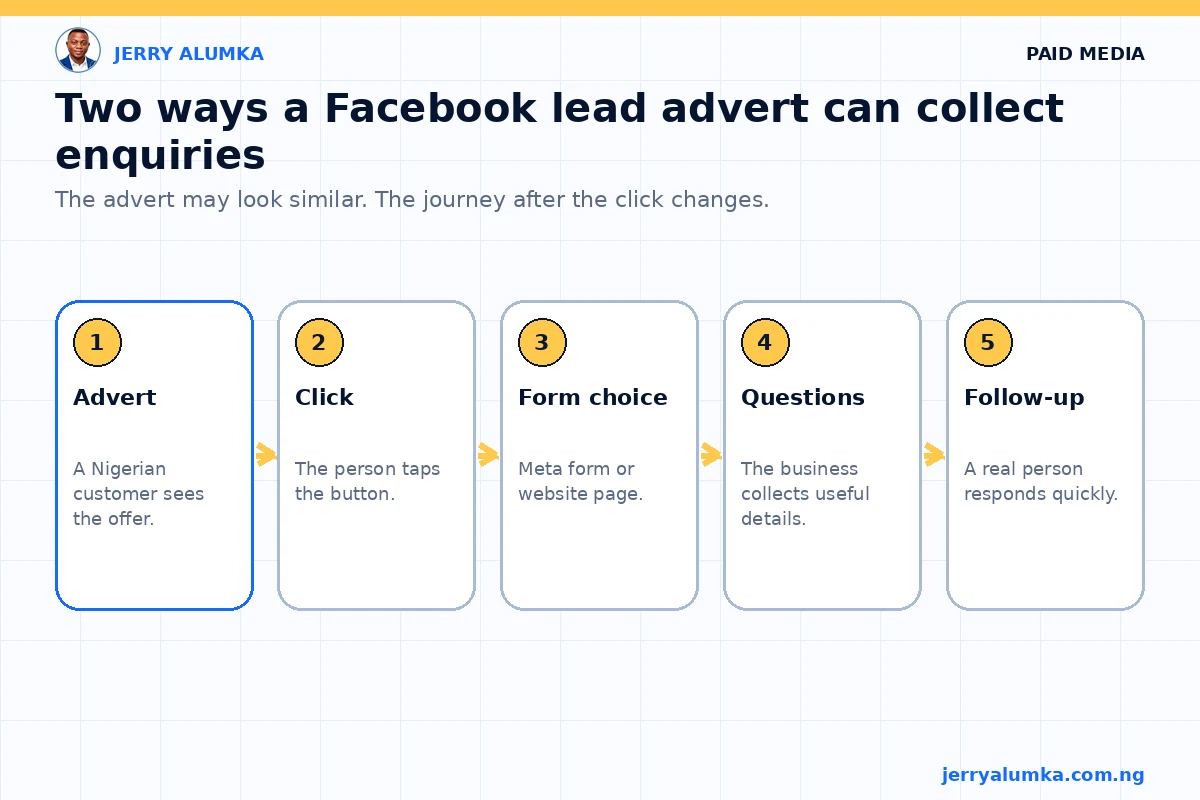
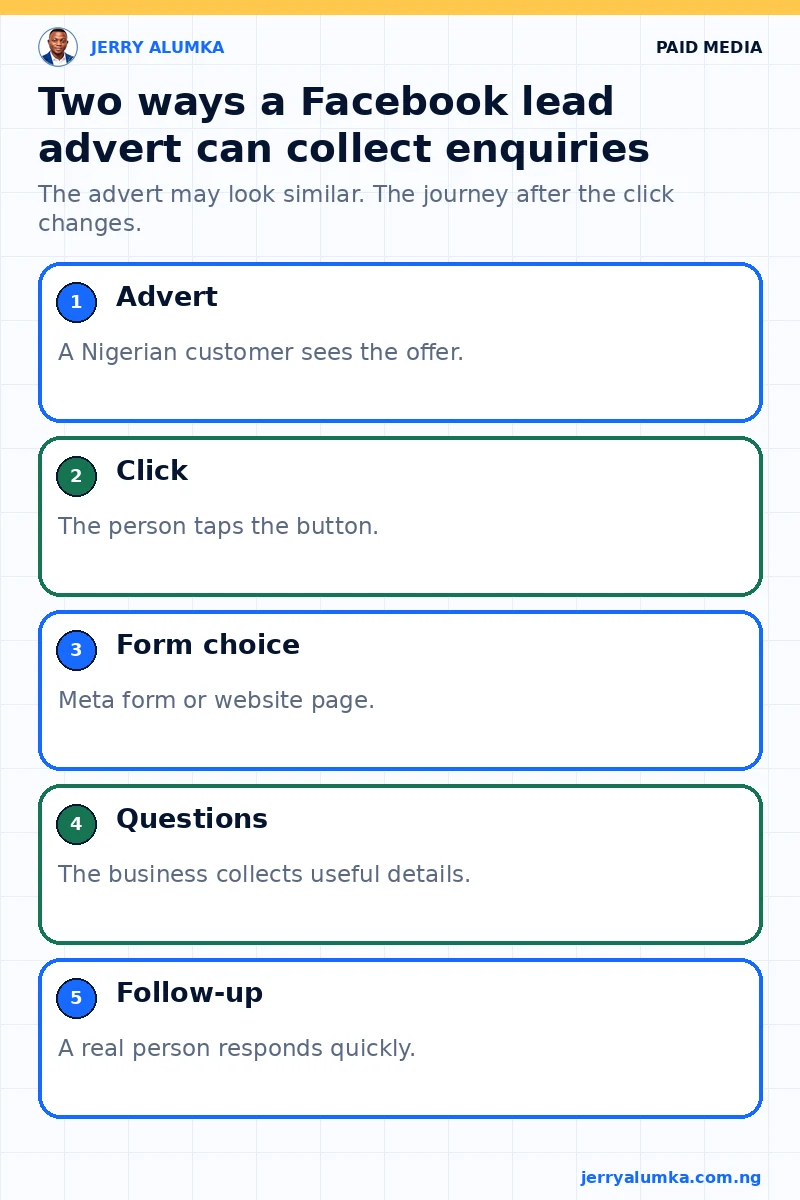
An instant form opens inside Facebook or Instagram. Meta may fill in some contact details from the person’s account. This makes the form quick to complete.
A landing page opens on your website. You control the words, pictures, questions and tracking. You also carry the risk. If the page is slow on mobile data or the form is broken, people may leave.
The advert can look the same in both cases. The difference begins after the click.
For example, a cleaning company offering a free quotation may only need a name, phone number, area and type of property. An instant form may handle that well. A training programme with fees, dates, entry rules and several course options may need a landing page.
Choose an instant form for a simple request
An instant form works well when the person understands the offer and only needs to request a call, brochure, quotation or appointment.
It can also help when the business doesn’t have a reliable website. The customer stays inside the app, so a slow page can’t block the enquiry.
An instant form may be a good starting point when:
- the advert and form can explain the offer clearly;
- you need only a few details;
- the next step is easy to understand;
- your team can contact new leads quickly; and
- every submission will enter a register that the team checks.
The ease of submission can also bring careless entries. Someone may tap through quickly, submit an old phone number or forget the advert. Make the offer clear before the submit button. Ask one or two useful questions where needed.
Choose a landing page when the buyer needs detail
A landing page gives you room to explain price, delivery, eligibility, product details and common questions. It can show proof that helps a careful buyer decide.
This is useful for an expensive or unfamiliar offer. If somebody needs to understand several conditions, a short form may create many enquiries from people who never understood the offer.
A landing page may be the better choice when:
- the offer needs a proper explanation;
- price guidance or conditions affect the decision;
- you need more detailed questions;
- you want to measure what people do on the page; and
- the page already works well on a normal phone.
Don’t send people to your general homepage. Use a focused page that continues the promise in the advert. Test it with mobile data, not only office Wi-Fi.
Compare outcomes, not form totals
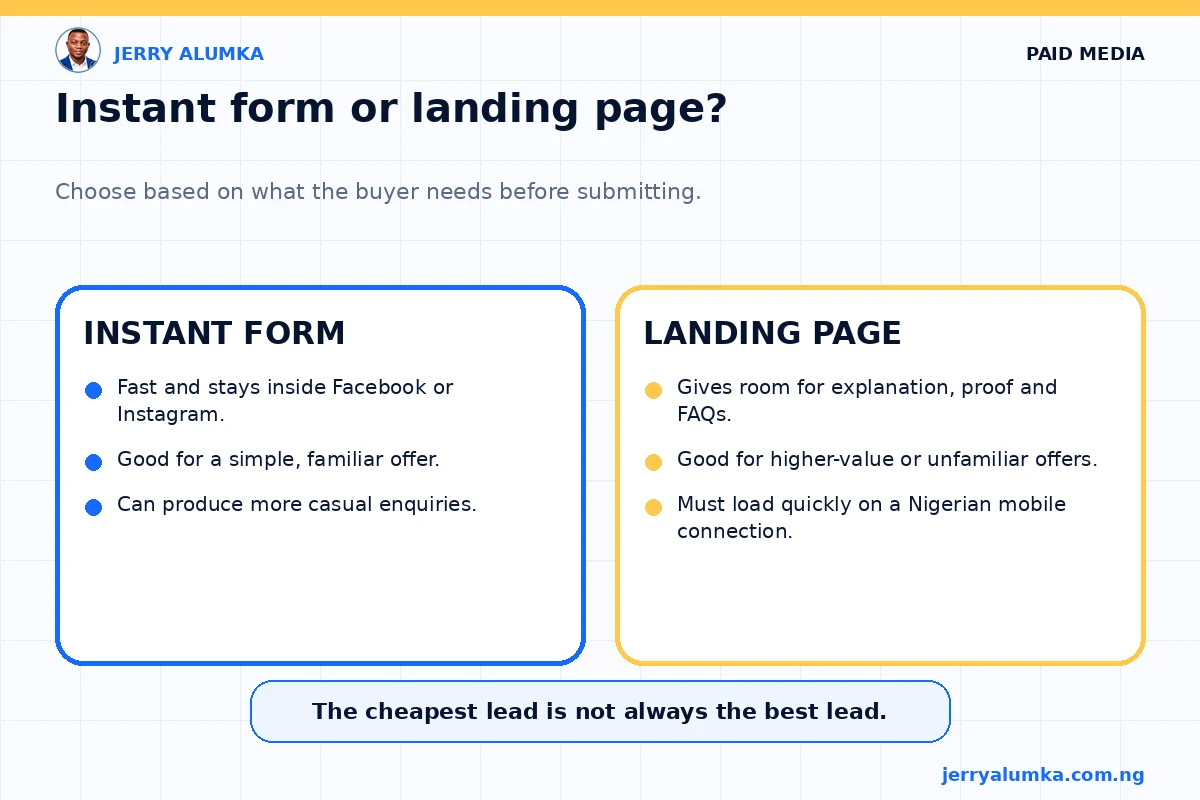
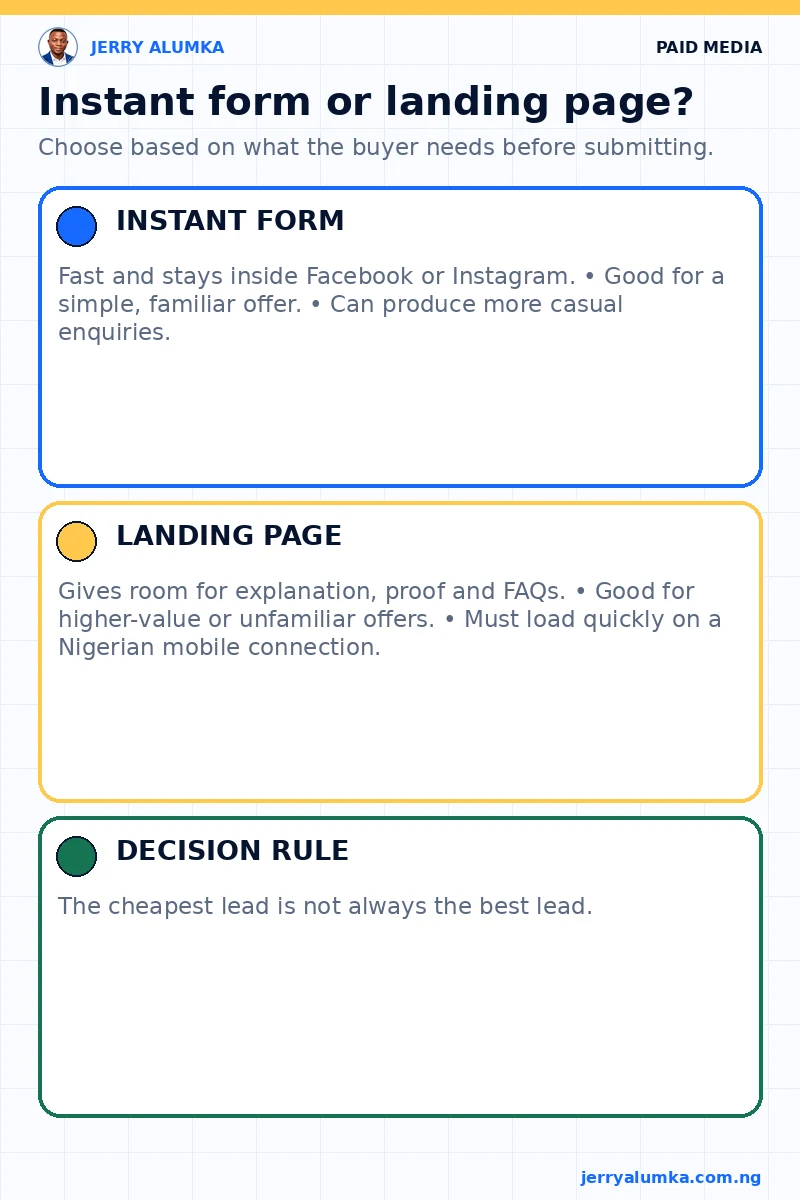
An instant form usually takes less effort. A landing page offers more room to explain. Both can fail for different reasons.
Instant-form leads can remain unattended if nobody receives the notification. Landing-page leads can disappear because the page is slow, the tracking is wrong or the submit button doesn’t work.
Check both paths yourself before launch. Submit the instant form and confirm that the notification reaches the right person. Submit the website form on a phone and confirm that the record enters the correct sheet or CRM. The thank-you message should also explain what happens next.
Don’t choose only by cost per lead. Count valid phone numbers, people who fit the offer, people your team reached and people who moved to the next business step.
A landing page may bring fewer forms but more serious conversations. An instant form may bring enough good enquiries to win even after you remove poor ones.
Let the offer decide
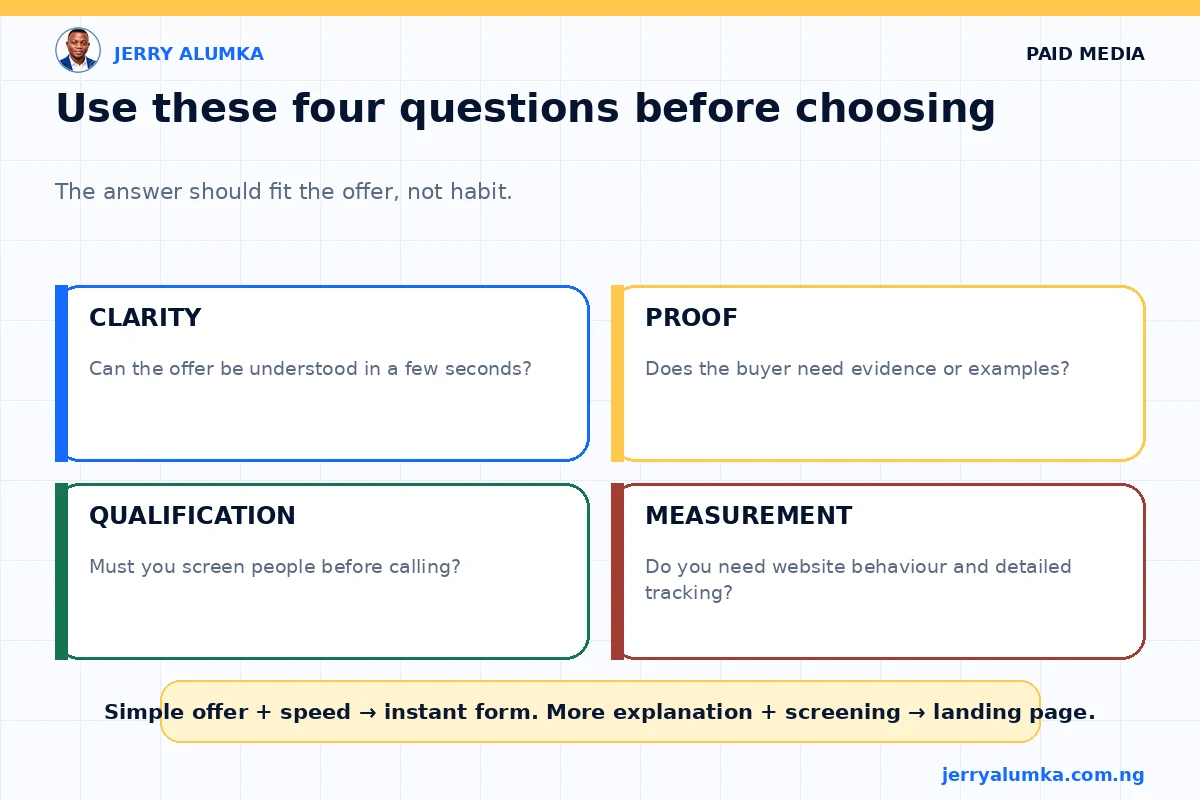
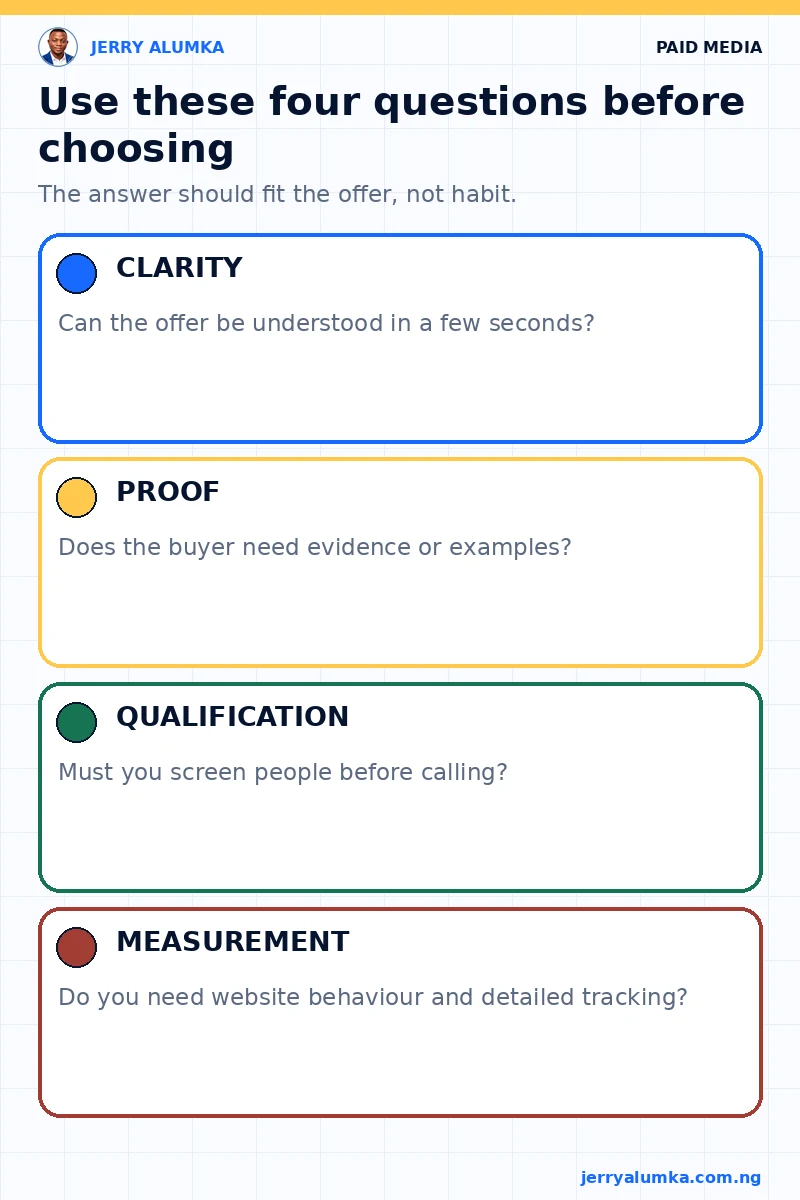
- Write down the next action you want, such as a quotation request or booked appointment.
- List what the buyer must know before taking that action.
- Ask only questions that help the customer or the follow-up team.
- Decide who will receive and answer each lead.
- Compare lead quality and final outcomes, not only form totals.
If a short advert and form can explain enough, start with the instant form. If the buyer needs more detail, use a focused landing page.
Keep the number of fields under control. Every extra question asks the person to spend more time and data. Keep a question only if the answer changes what the team will do. If every lead receives the same first call, you may not need ten questions before that call.
This choice is part of the wider process in my guide on running Facebook ads in Nigeria.
Keep the test fair and follow up quickly
If both options make sense, test them with the same offer and a similar audience. Keep the main advert idea steady. Agree on what counts as a good lead before you see the results.
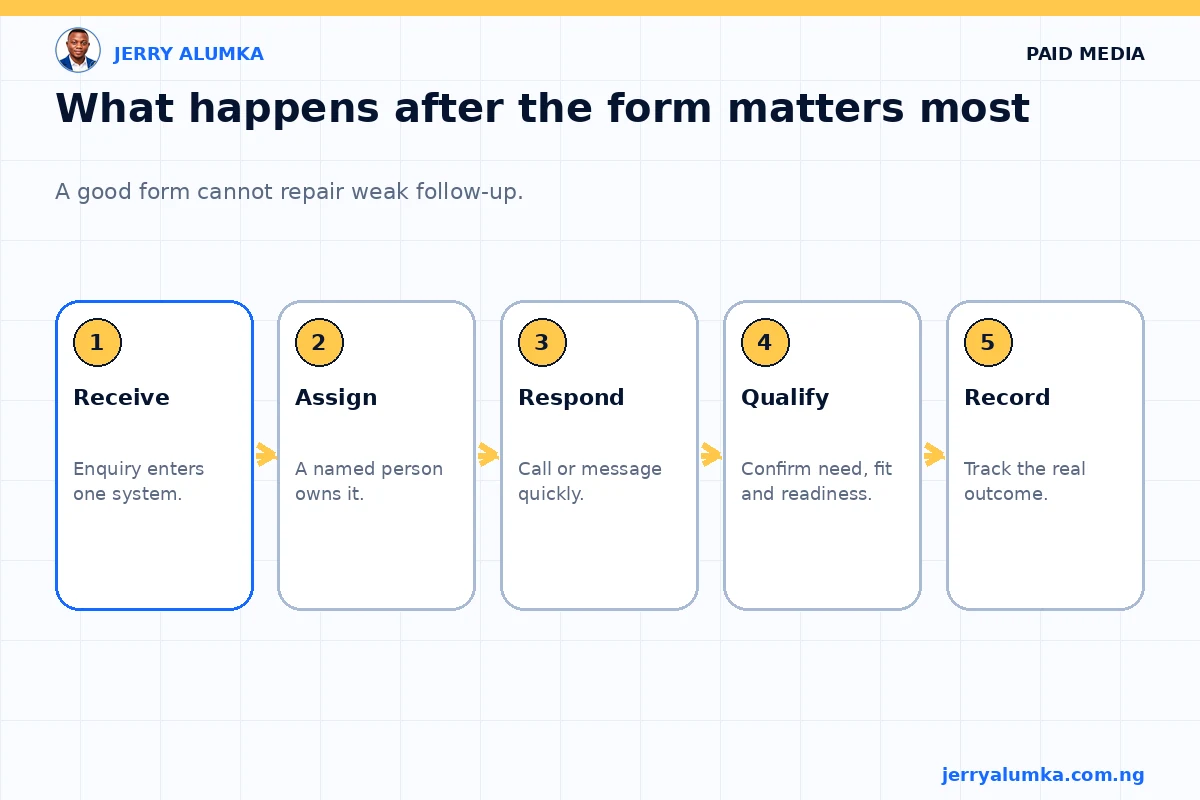
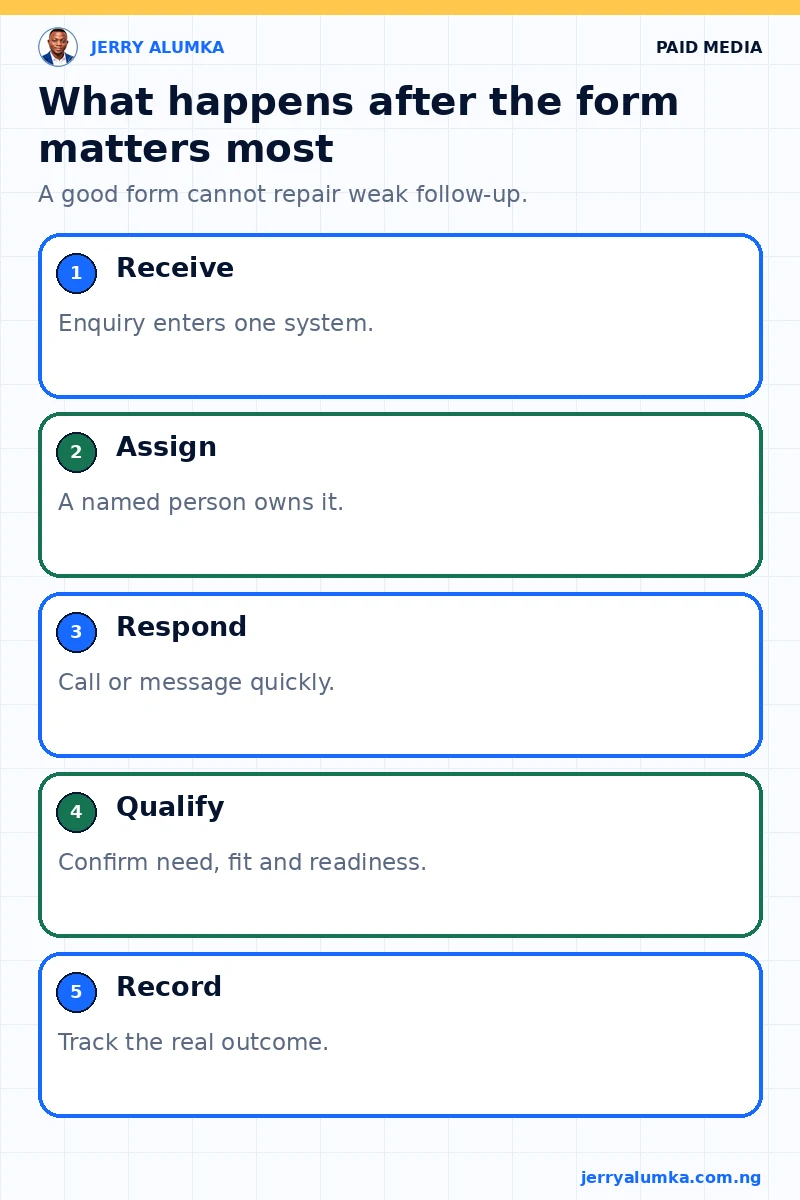
Then follow every lead. Did the form contain a working number? Did the person understand the offer? Did the team call on time? Did the enquiry move forward?
Many businesses blame the form when the real problem is response time. A serious buyer can lose interest while waiting. One missed call from an unknown number is not enough follow-up.
Send a short message after an unanswered call, where appropriate. State the business name and why you called. Agree on how many attempts the team should make and over what period. This gives every lead a fair and consistent process.
Whichever route you choose, check the lead register each day and give every next action to one person. A form choice cannot repair slow follow-up. Meta’s information about lead ads with forms can help with the current platform setup, but the business still owns what happens after the lead arrives. If you need the full path reviewed, send me a project enquiry.