
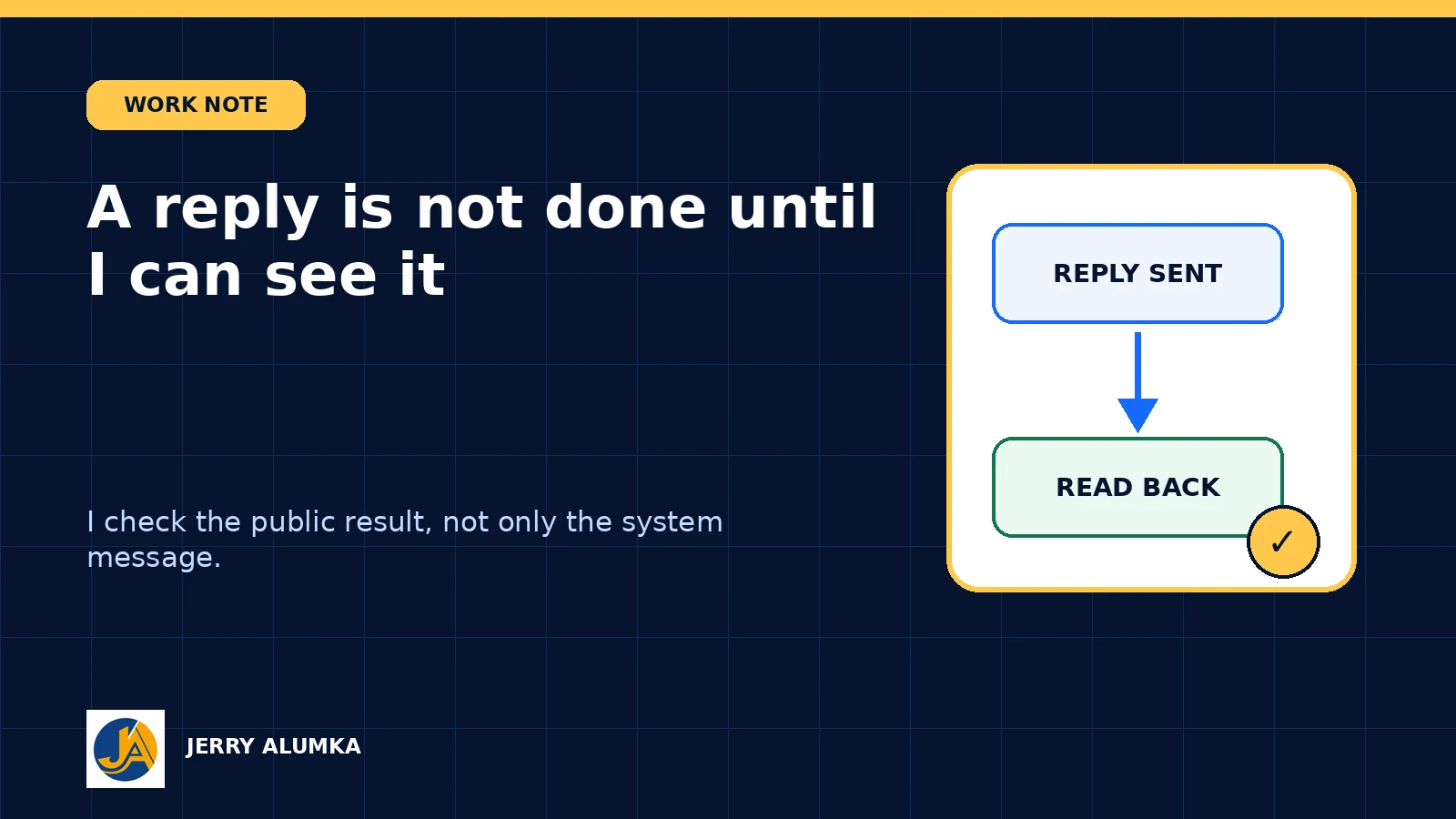
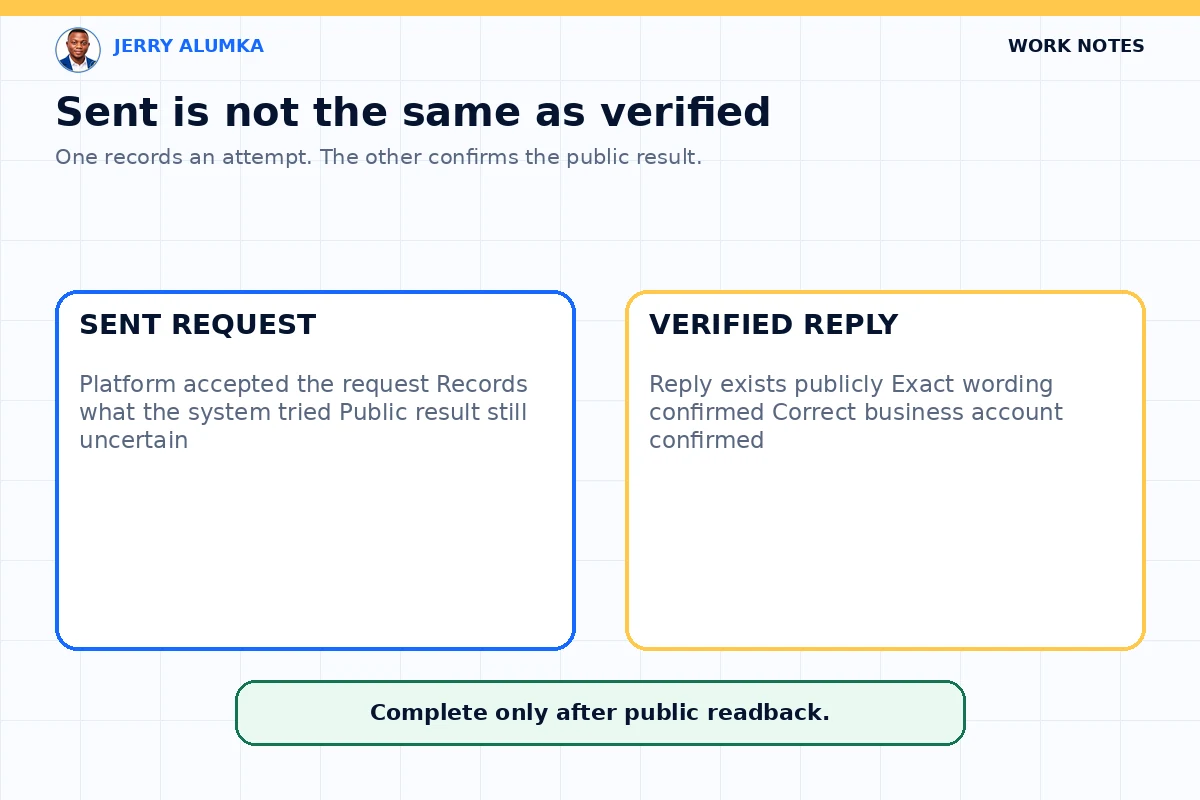
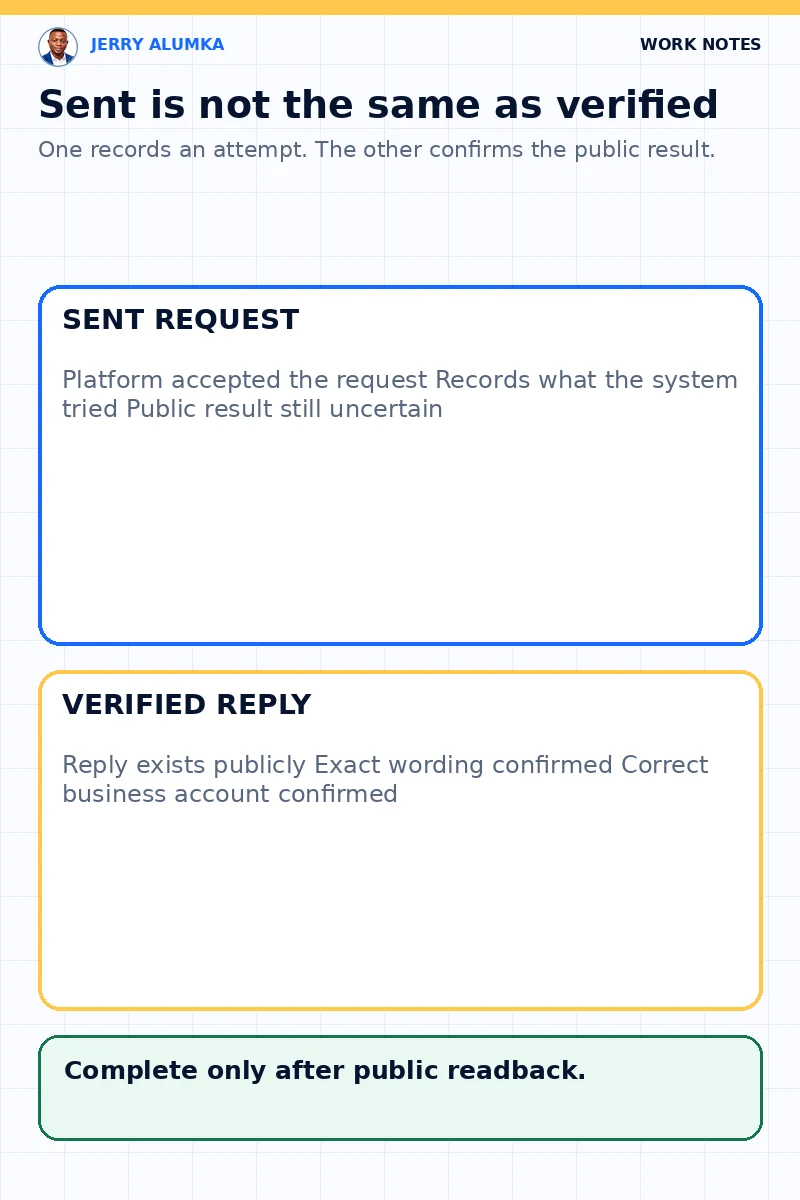
The system said the reply was sent. I still checked the public comment. I use automation for simple social media questions, but a success message may only confirm that the software tried to post. It does not prove that the words appeared under the correct comment or came from the correct business account.
The readback is part of the job because the customer sees the public result, not the system status.
A status message cannot see the customer’s screen
Imagine that someone asks for the address of your Abuja shop.
The system posts a reply and marks the work as complete. But the reply may fail to appear. It may sit under another comment. It may even show an old address that is no longer correct.
The customer will still be waiting, even though your dashboard says everything is fine.
This is the problem with trusting a success message without checking the real result. The message tells you what the software tried to do. It doesn’t tell you what the customer can see.
Not every comment should get an automatic reply
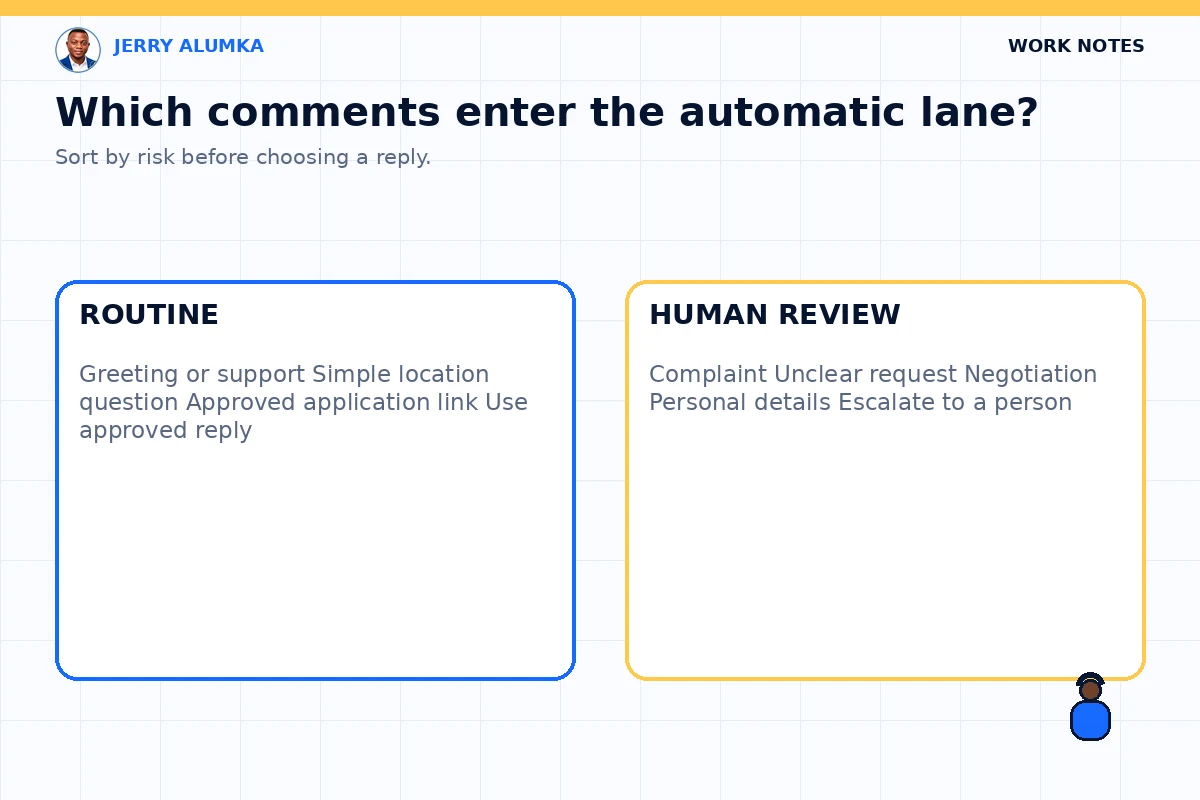
Some comments are simple.
For example:
- “Where is your Lagos shop?”
- “How can I apply?”
- “What time do you close?”
- “Please send the registration link.”
You can prepare correct answers for questions like these. The answer is known, and the wording can be approved before the system uses it.
But a complaint is different. A customer may be angry, confused or sharing private information. A person may also be asking for a discount or explaining an unusual problem. A system should not rush to answer such a comment with a general message.
A human being should read the full conversation and decide what to say.
Fast replies are good. But a fast wrong reply can create a bigger problem in public. I would rather leave a difficult comment for review than send a careless answer in the name of speed.
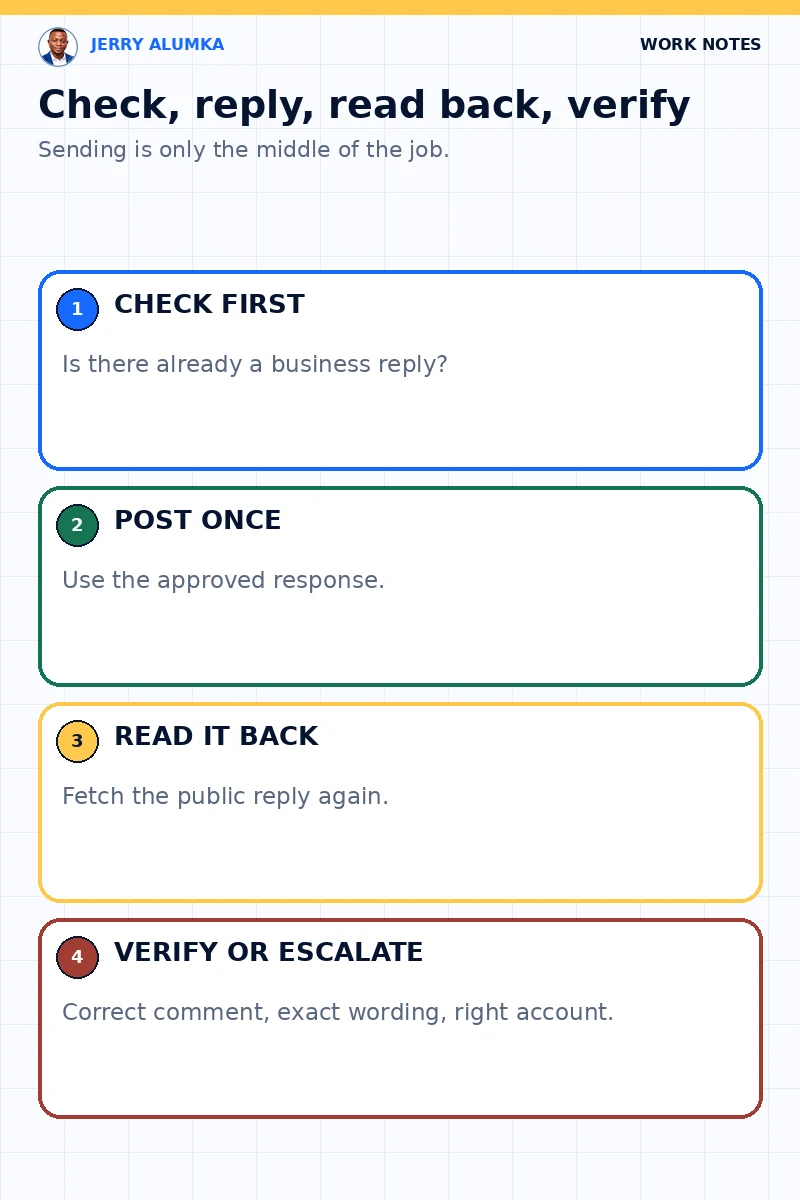
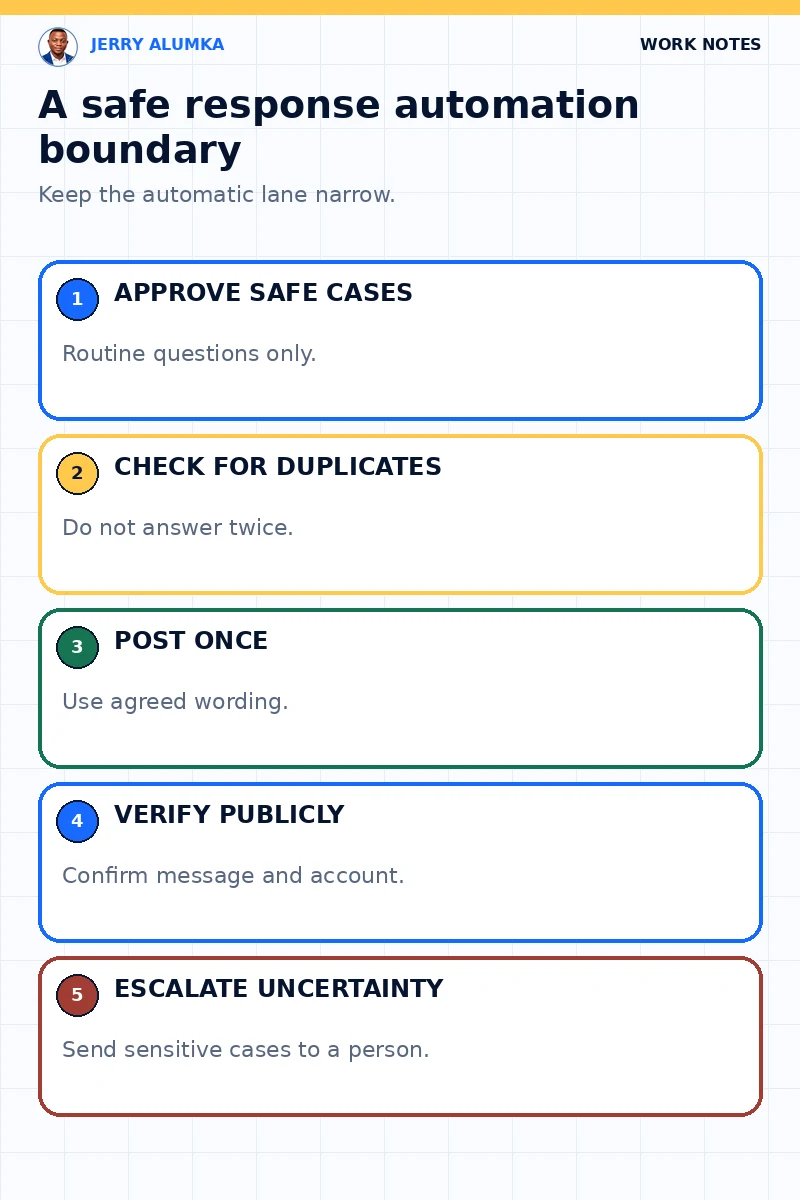
The reply passes four checks
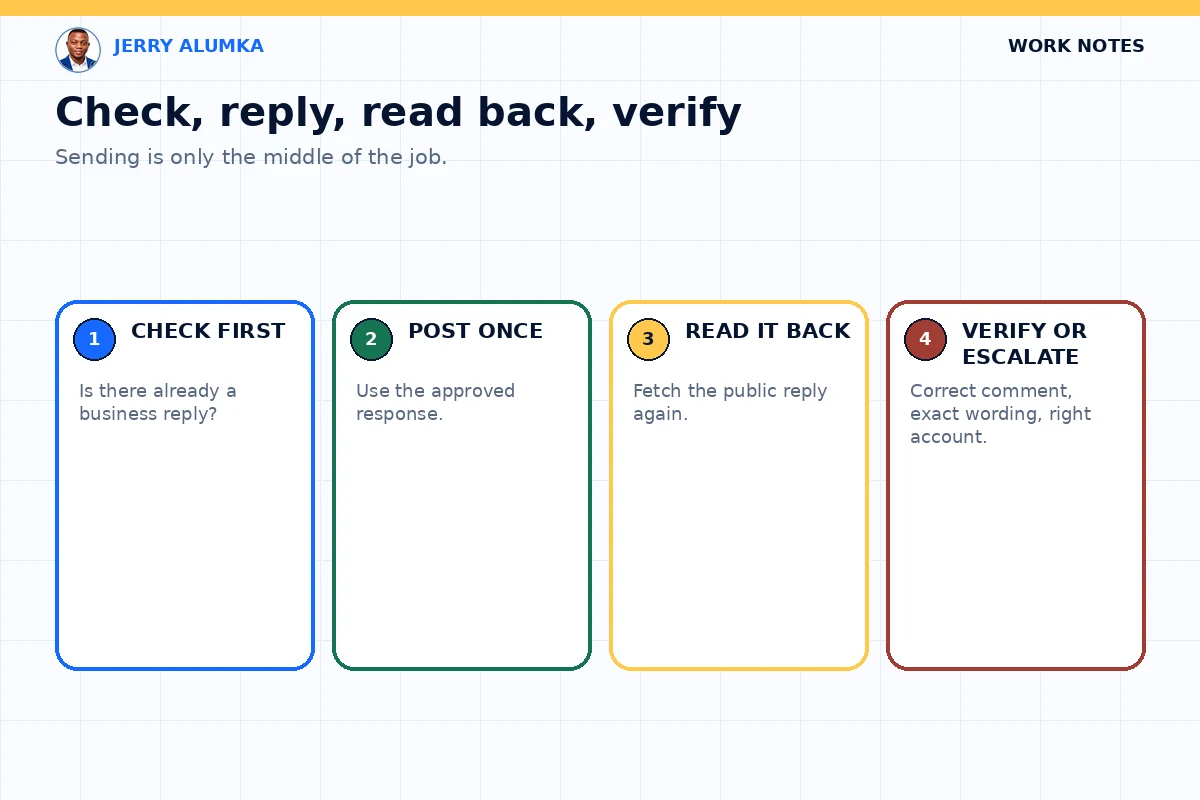
First, I check whether the comment is simple enough for an approved reply.
Second, I check whether somebody has already answered it. This prevents two replies from the same business. It also helps when a staff member has already handled the comment by hand.
Third, the system posts the approved reply only once.
Finally, it reads the public comment again. It confirms that the reply is there, that the words are correct and that the right account posted it.
If any of these checks fail, the system should not pretend that the work is complete. It should report the problem for a person to handle.
The report should also say what failed. Did the platform reject the reply? Did the words change? Did the wrong account post it? A clear error helps the person in charge solve the real problem instead of checking everything again.
Keep a record of the comment, the approved answer, the time of the attempt and the result of the second check. This makes later review much easier.
Why the second check matters
The second check keeps different parts of the system in agreement.
Without it, the reply tool may say the work is done while the monitoring tool still sees an unanswered comment. The same comment may then return in the next report. After some time, the team will stop trusting the alerts.
A proper readback closes that gap. The system can see that the public reply exists, so it won’t treat the comment as unattended again.
This doesn’t prove that the reply made a sale. It only proves what we can truly check: the approved reply appeared in the right place from the right account.
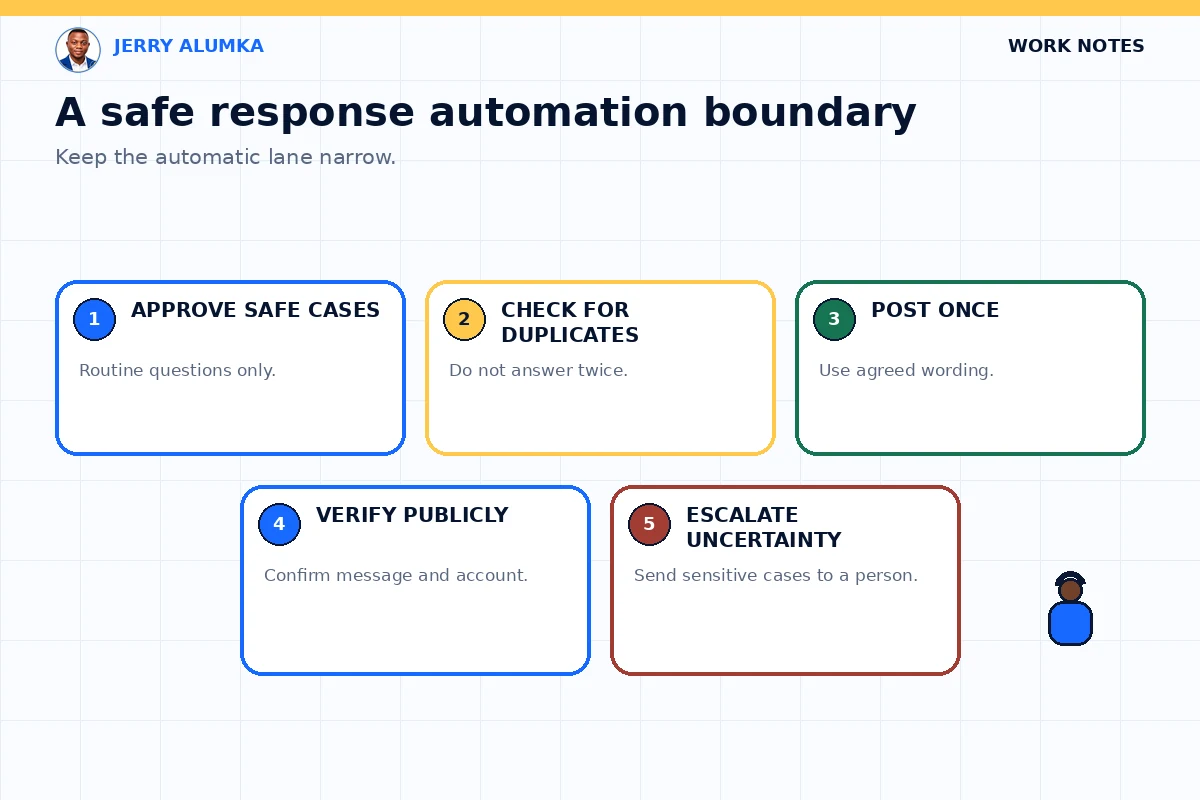
Keep the first automation narrow
If you want to automate customer replies, don’t begin with every comment on your page.
Choose one simple type of question. Prepare the answer. Test what happens when there is already a reply, when the platform fails and when the comment is unclear.
Keep complaints, negotiations and difficult conversations with a human being.
For every automated reply, I want the public thread to answer the final question: did the correct message appear in the correct place from the correct account?