
The demonstration ends, real work begins, and staff return to notebooks, WhatsApp messages and private spreadsheets. That is what a CRM choice has to prevent.
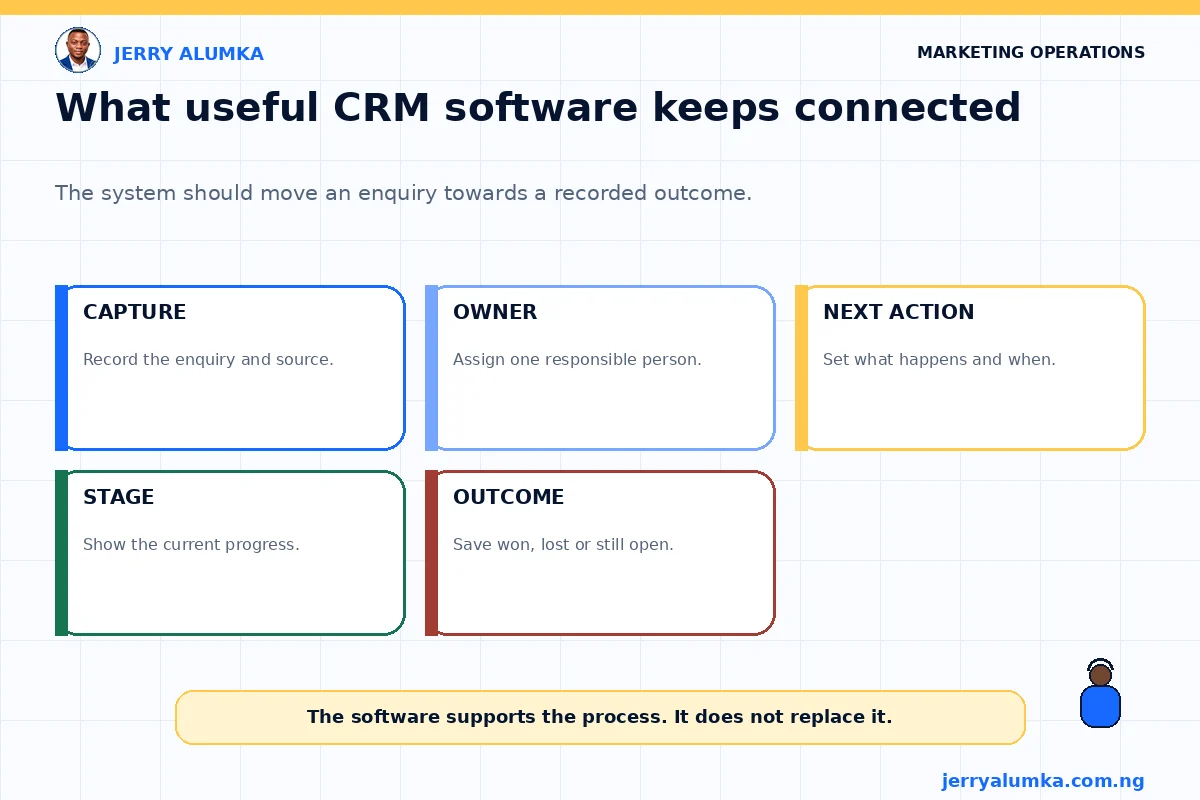
CRM means customer relationship management. The software keeps customer details, conversations and follow-up work where the team can find them. When an enquiry arrives, staff should be able to see who owns it, what has happened and what comes next.
Salesforce explains CRM as technology for managing contact with current and possible customers. A long feature list may look impressive, but your own customer process should decide whether the product fits. The better system is the simplest one the team can keep accurate every day.
Put one normal enquiry on paper
Don’t open ten product websites before you understand the work.
Take one normal enquiry and write down its journey. A person sees an advert and sends a WhatsApp message. A staff member records the details. Someone answers. The enquiry moves to the right stage. The next action gets a date. Later, the team records whether the person bought, declined or stopped responding.
That simple journey will show you what the CRM must do.
A property company may need viewing dates and preferred locations. A training business may need course interest and payment status. A distributor may need territory, order history and the person responsible for each account.
Most small teams will need contact records, lead ownership, reminders, notes, clear stages and basic reports. If you are still working out these basics, read my guide to CRM tools for Nigerian businesses.
Write these needs in the words your staff use every day.
The shortlist needs a “not now” column
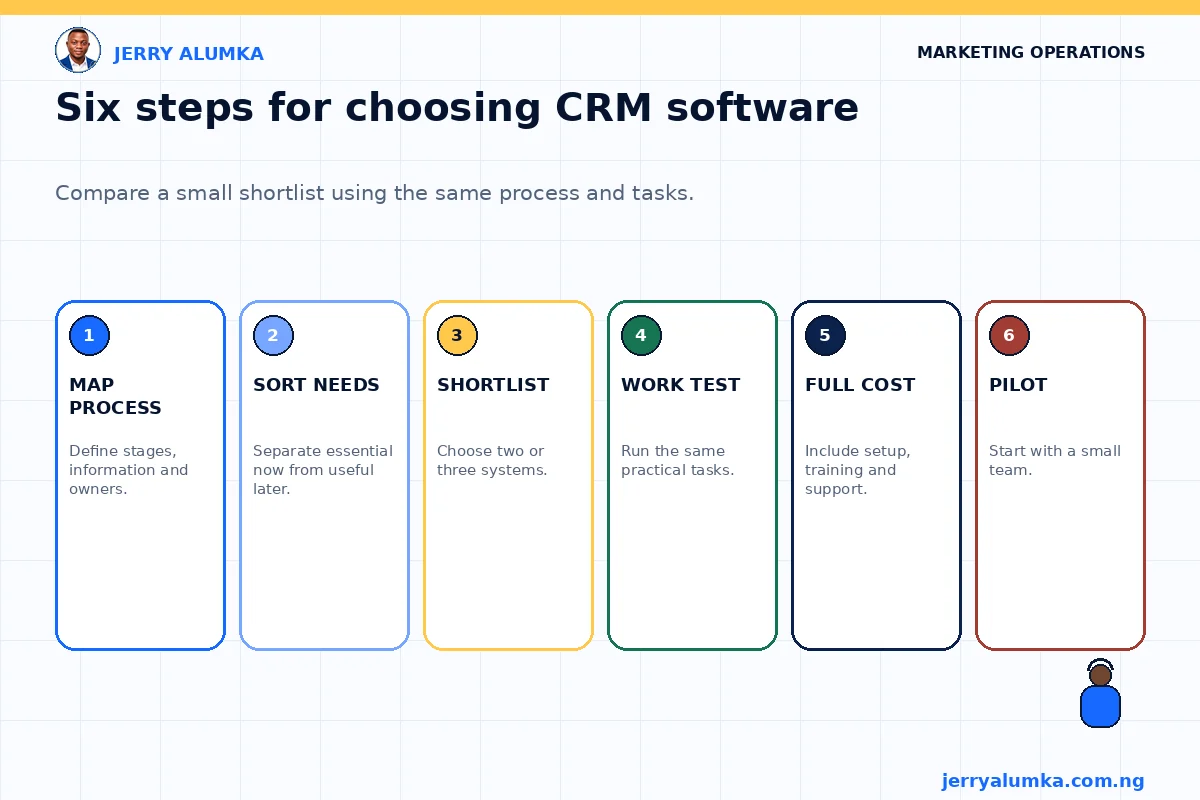
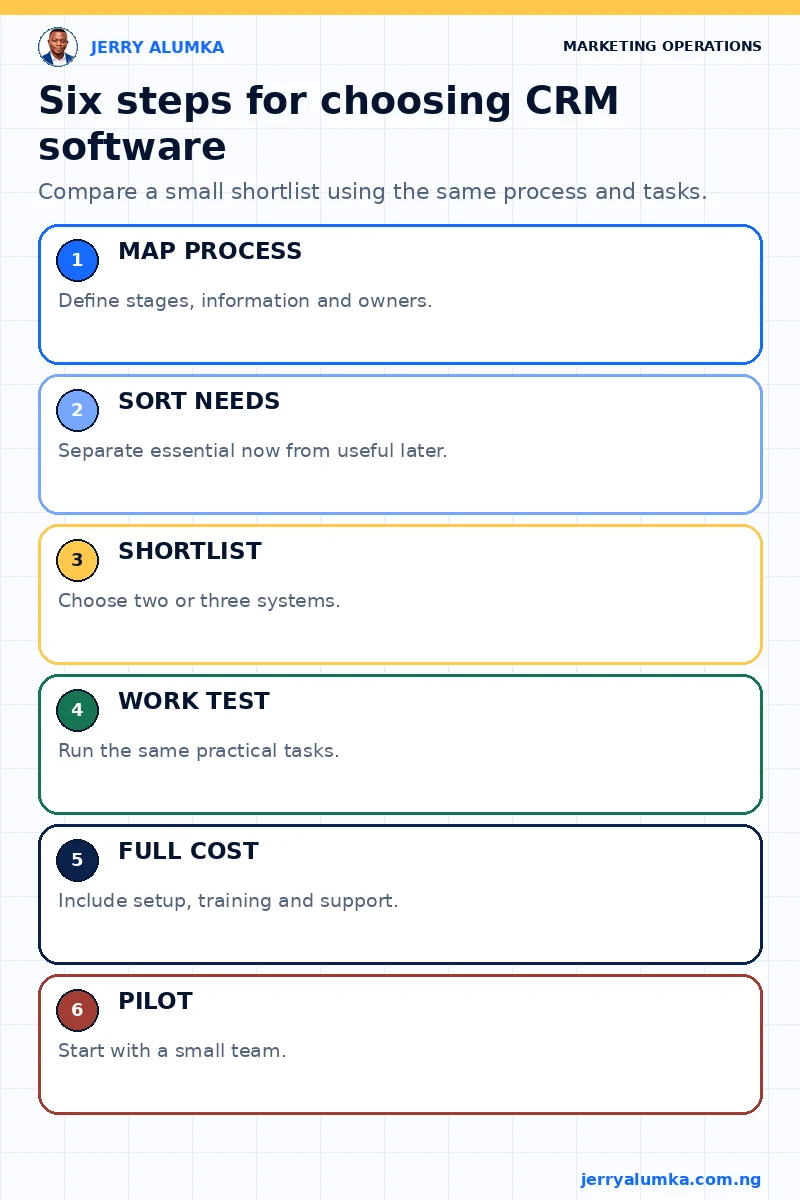
Make three short lists. The first list is for things the team must have now. The second is for things that may be useful later. The third is for features you don’t need.
For instance, every enquiry may need an owner and a dated next action. Those are real needs. A complex sales forecast may look attractive, but it isn’t useful if staff don’t record basic follow-up.
This step protects you from paying for a future version of the business that may never arrive.
Now choose two or three systems that appear to fit the first list. Comparing too many products creates noise. Your aim isn’t to know every CRM in the market. Your aim is to find one that supports the work.
Test each CRM with the same daily tasks
A product demonstration shows the software under perfect conditions. Your own test should use normal work.
Create sample enquiries from a website form, a phone call, a WhatsApp chat and a Facebook advert. Don’t use real customer details while testing.
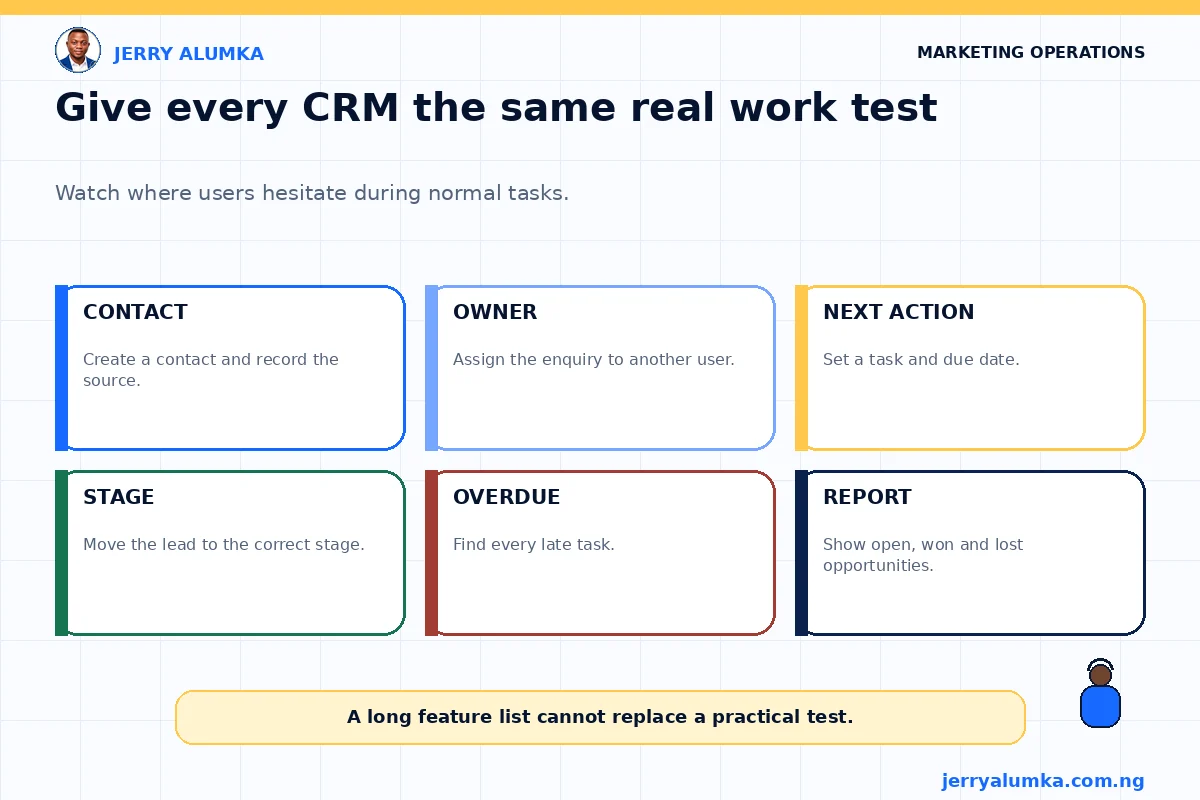
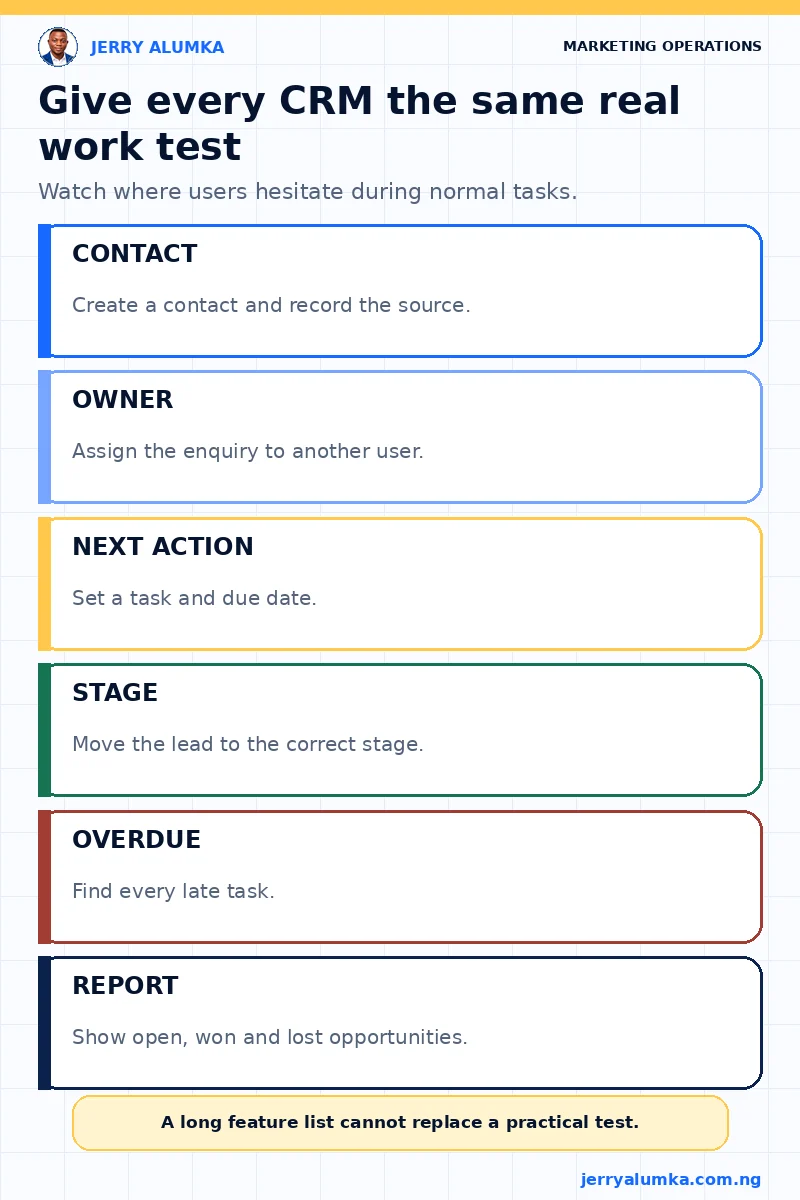
Ask a staff member to do these jobs without the seller taking over the screen:
- Create a new contact and record where the enquiry came from.
- Assign the enquiry to another person.
- Add a next action and a due date.
- Move the lead to the correct stage.
- Find all leads with overdue work.
- Show a simple report of open, won and lost opportunities.
Watch where the person gets stuck. One hard step may only need training. But if every small action needs many clicks or a long explanation, the system may be a poor fit.
Ease of use isn’t about bright colours. It means a staff member can complete important work correctly without confusion.
Before paying, check your data, connections and access
Your customer information may already sit in spreadsheets, phones, email accounts and other tools. Decide what should move into the CRM. Clean wrong phone numbers, repeated contacts and unclear labels before you import them.
Begin with a small sample. Check that names, numbers, sources, owners and stages enter the correct places. Then export the sample. A business should know how to collect its records if it changes tools later.
Microsoft’s guidance on moving data recommends planning, testing and checking the result. The same good sense applies to a small CRM project.
Test only the connections you need. For instance, if a website form should create a CRM record, submit a test form. Check that the right details arrive, the right person gets the lead and a failed connection produces an alert.
Also decide what each person can see and change. Sales staff may edit their own leads. A manager may view team reports. A contractor may need no customer access. Check two-step login, activity records and how access will be removed when somebody leaves.
Calculate the full cost
The monthly fee is only one part of the cost.
Ask for the price based on the number of users and contacts you expect. Check whether reports, WhatsApp connections, extra storage, support or software connections need a higher plan.
Add the time and money needed to clean data, set up the system and train the team. A cheap tool can become expensive if every small change needs outside help. An expensive tool can also waste money when the team uses only contacts and reminders.
Pay for the process you can run now, with room for the next likely need.
Give one small group the first month
Don’t move the whole company at once.
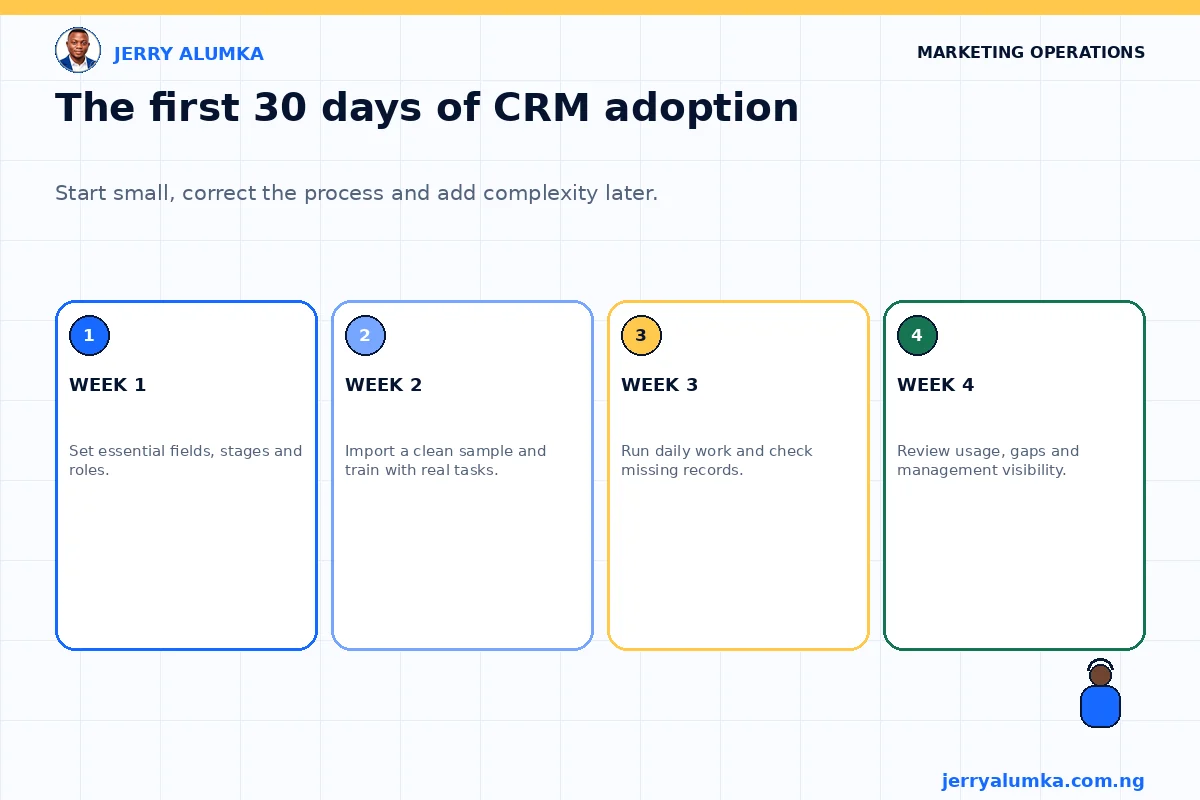
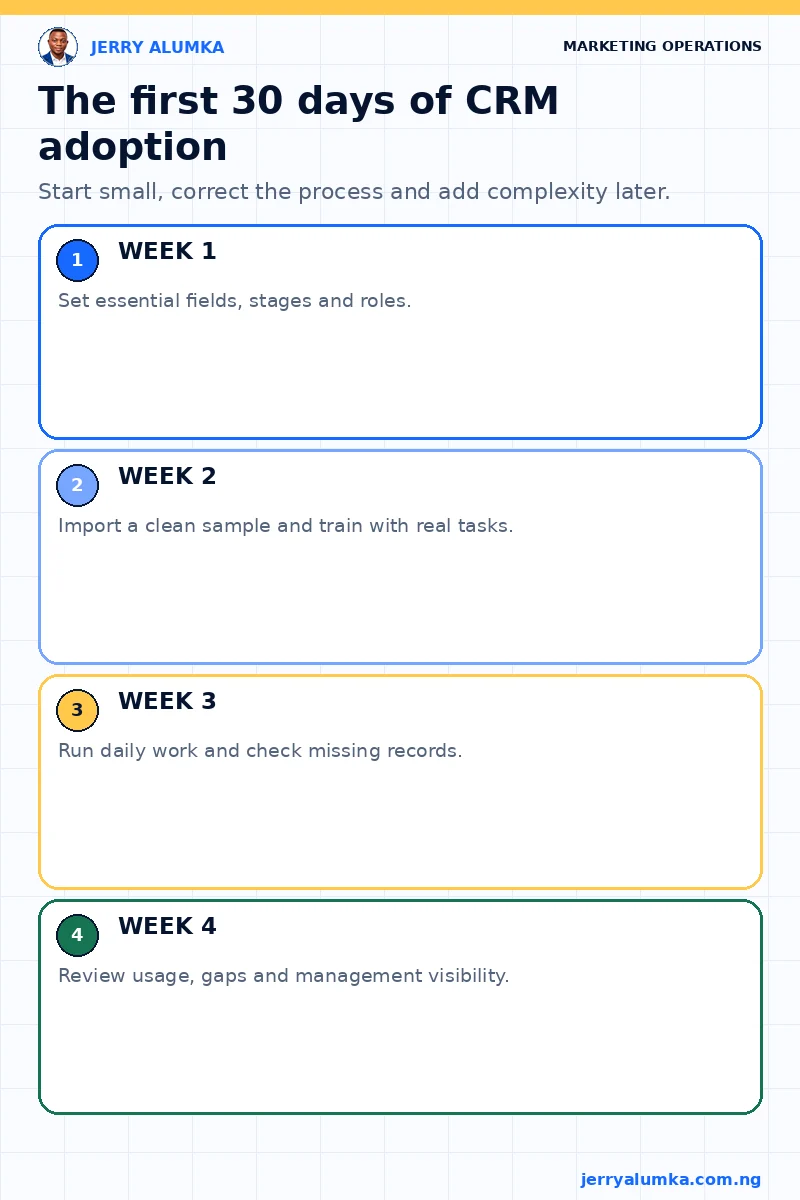
In the first week, set up only the main fields, stages and user roles. In the second week, import a clean sample and train a small group with the same tasks used during selection.
In the third week, let that group use the CRM for real work. Check missing information, overdue tasks and repeated contacts. In the fourth week, ask what people used, what they avoided and what the manager can now see.
Don’t begin with complicated automation. First prove that people can record a lead, assign an owner, add a next action and close the outcome.
Accuracy is the adoption test
A CRM becomes useful when its information is current enough to guide action.
Check how many active leads have an owner. Check how many have a dated next step. Check overdue tasks, repeated records and opportunities closed with a clear result. These simple checks will tell you whether the CRM has become part of the work or just another browser tab.
If leads are already getting lost between marketing and sales, map the weak points before buying software. My customer journey mapping guide can help.
Choose the CRM that fits your customer process, protects your data and stays simple enough for daily use. If you need help turning the process into a clear requirement list, contact me.