
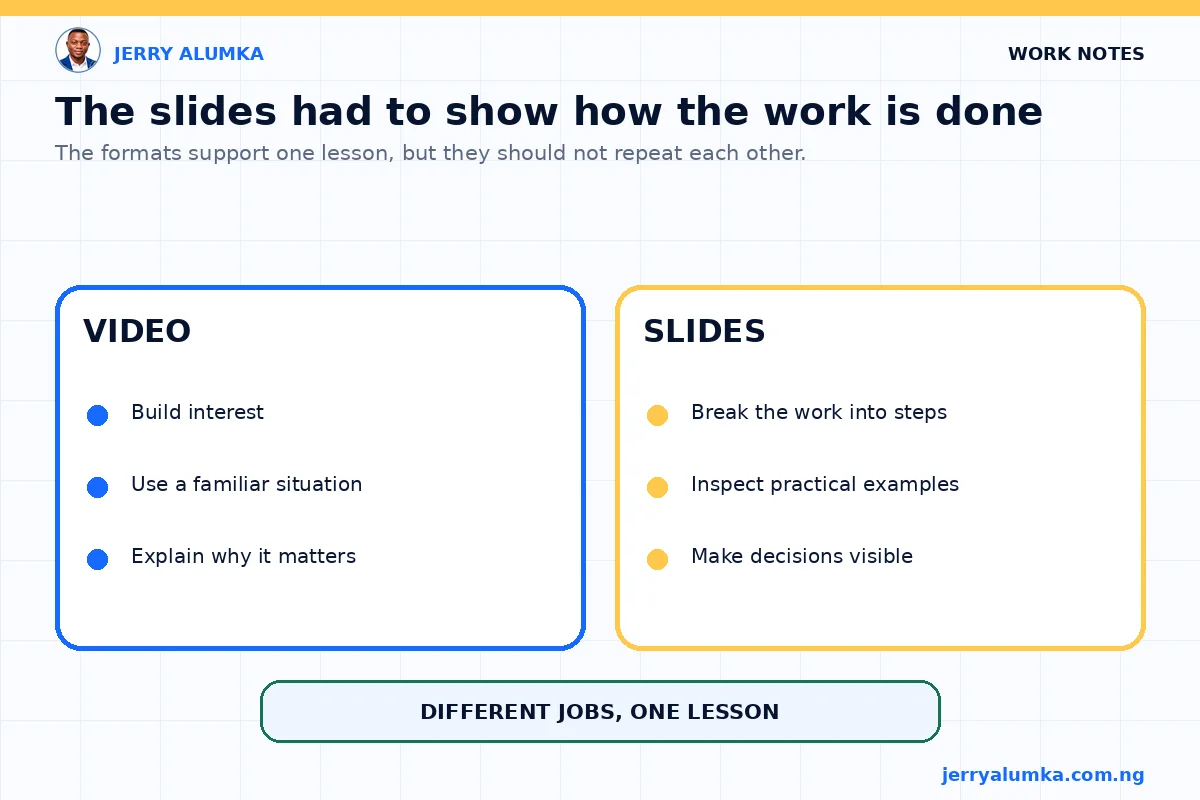
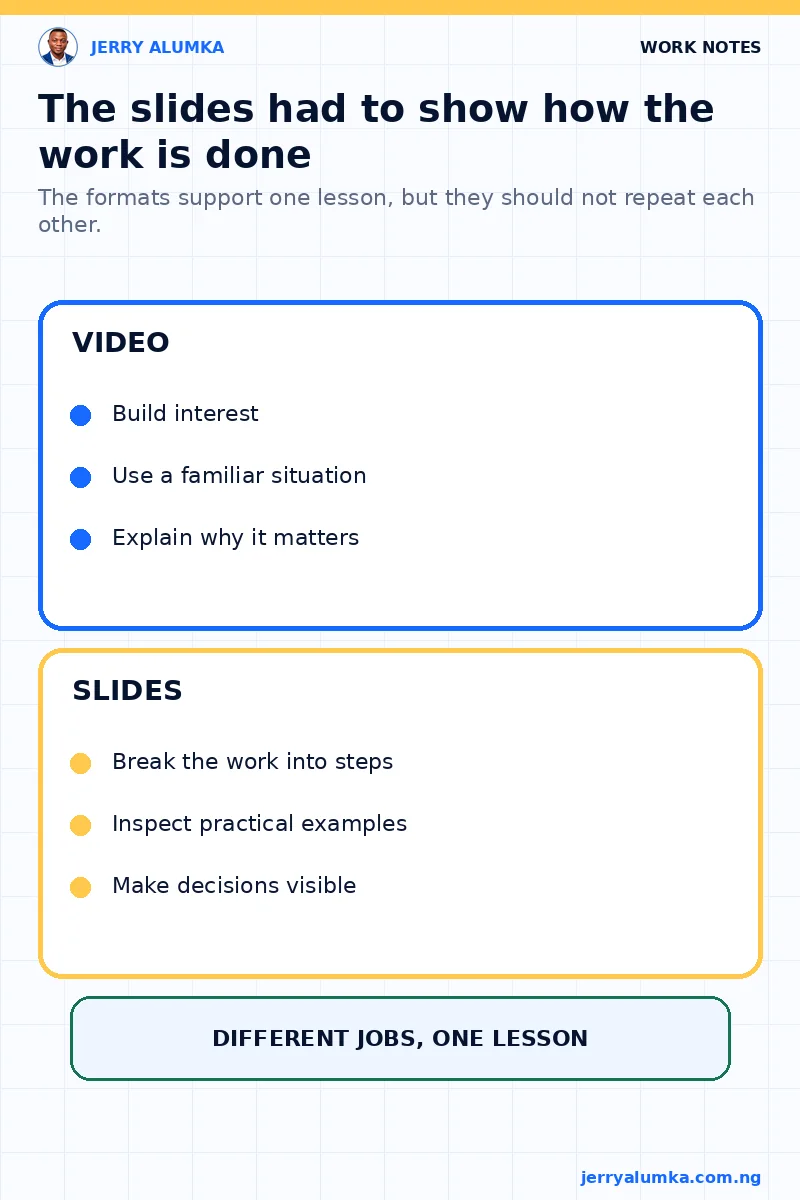
A short video in my social media presentation already explained why online visibility matters. Turning its narration into slides would have made a room of business owners hear the same lesson twice.
I kept the video, but gave the slides another job. They would help people study examples, make choices and try the work for themselves.
The video only needed to open the subject
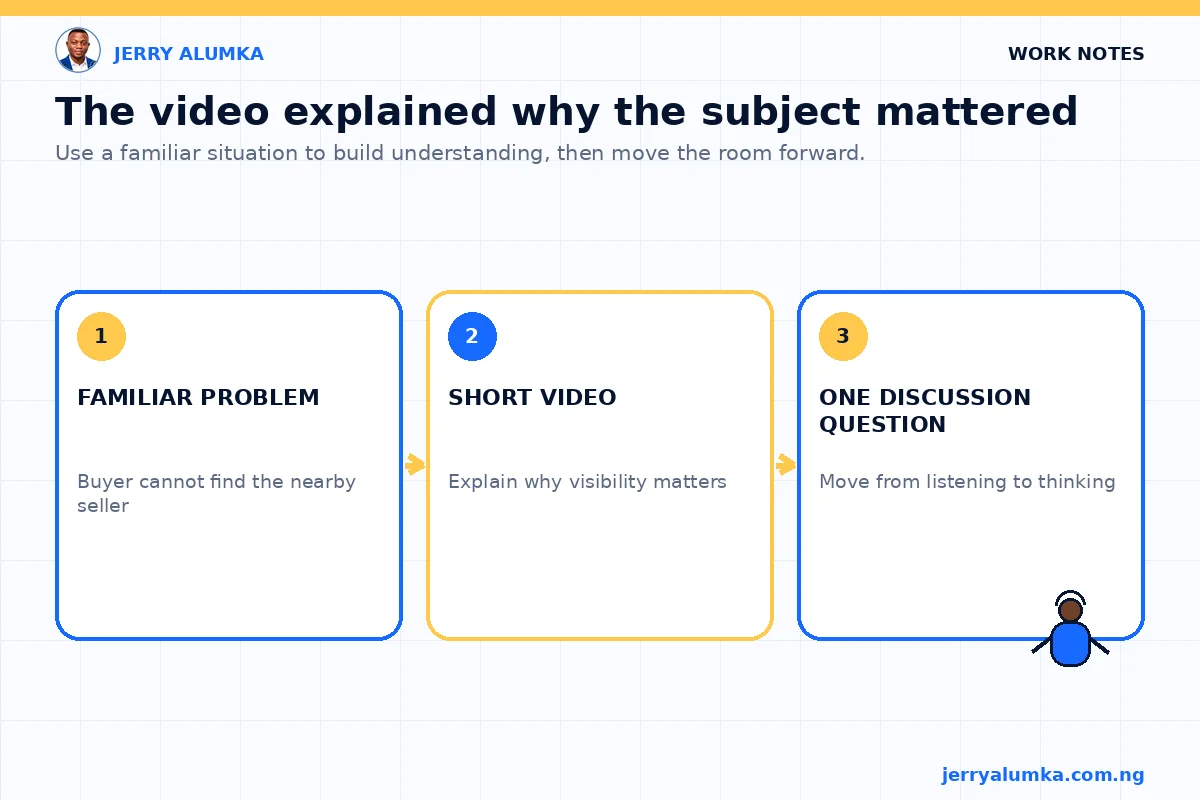
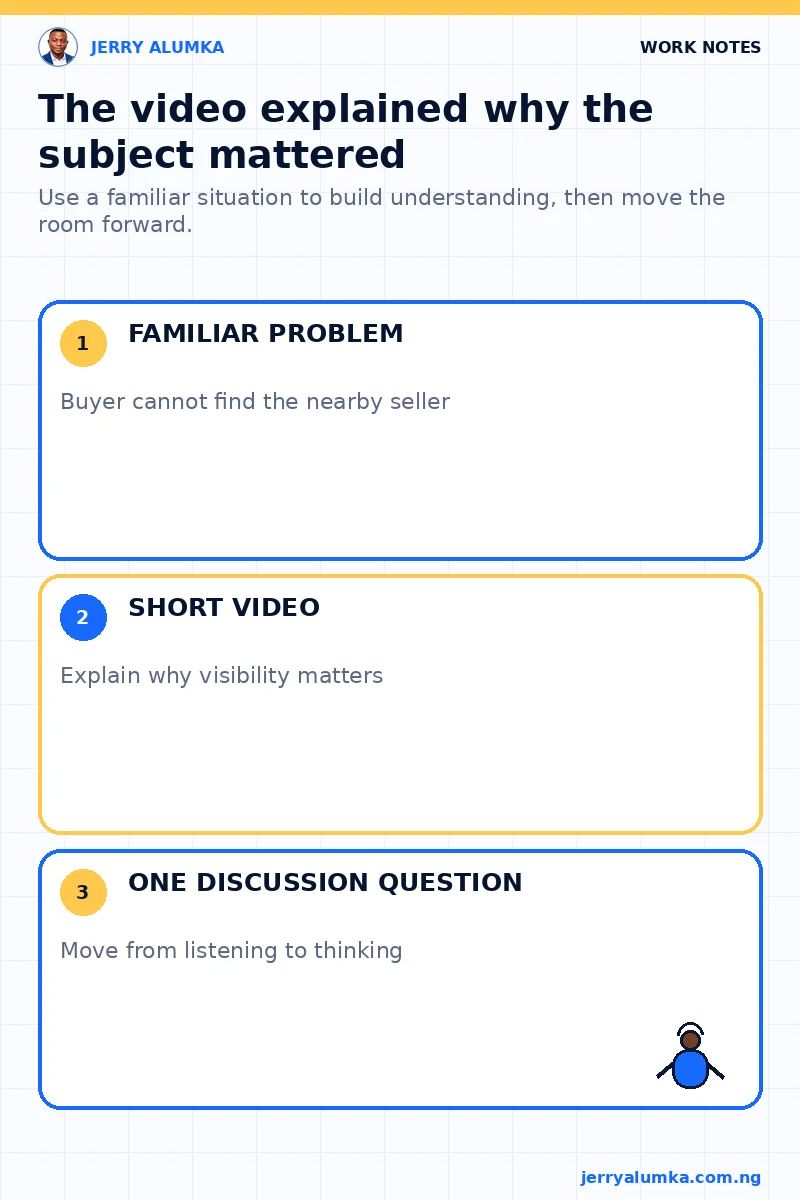
The video showed a familiar situation. A seller may have the right product nearby, but a buyer cannot choose a business that is hard to find online.
That story was enough. The video did not also need to teach every platform, posting style and follow-up method. I placed it near the beginning and moved the room into a question when it ended.
What were the slides for?
The slides covered what the video could not show well. They helped people check whether a business profile had a clear name, location and contact route. They also showed how to choose a channel the team could manage, present real products and answer common buyer questions.
I used ordinary posts rather than perfect examples. Two product posts from local businesses can start a useful discussion: which one makes the price, location and next step easier to understand?
The presenter can pause, ask what people notice and change the explanation when the room is confused. A recorded video cannot respond in that way.
From explanation to practice
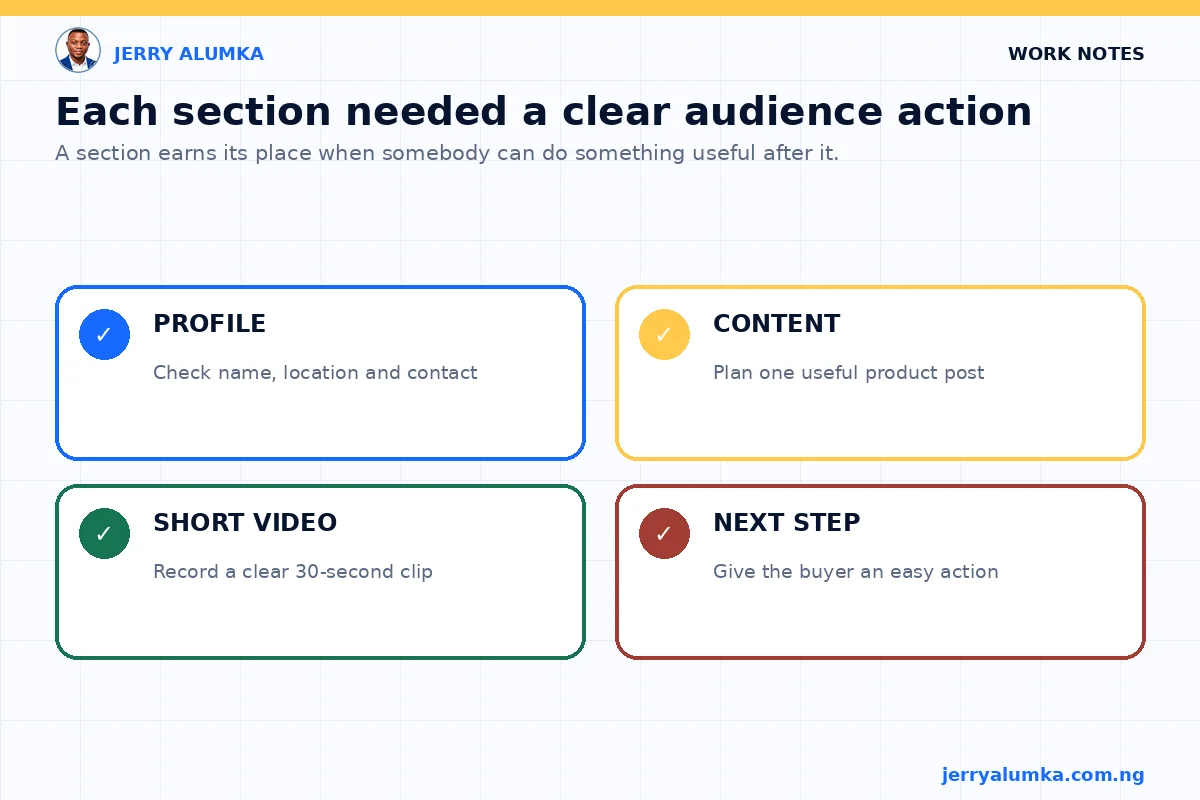
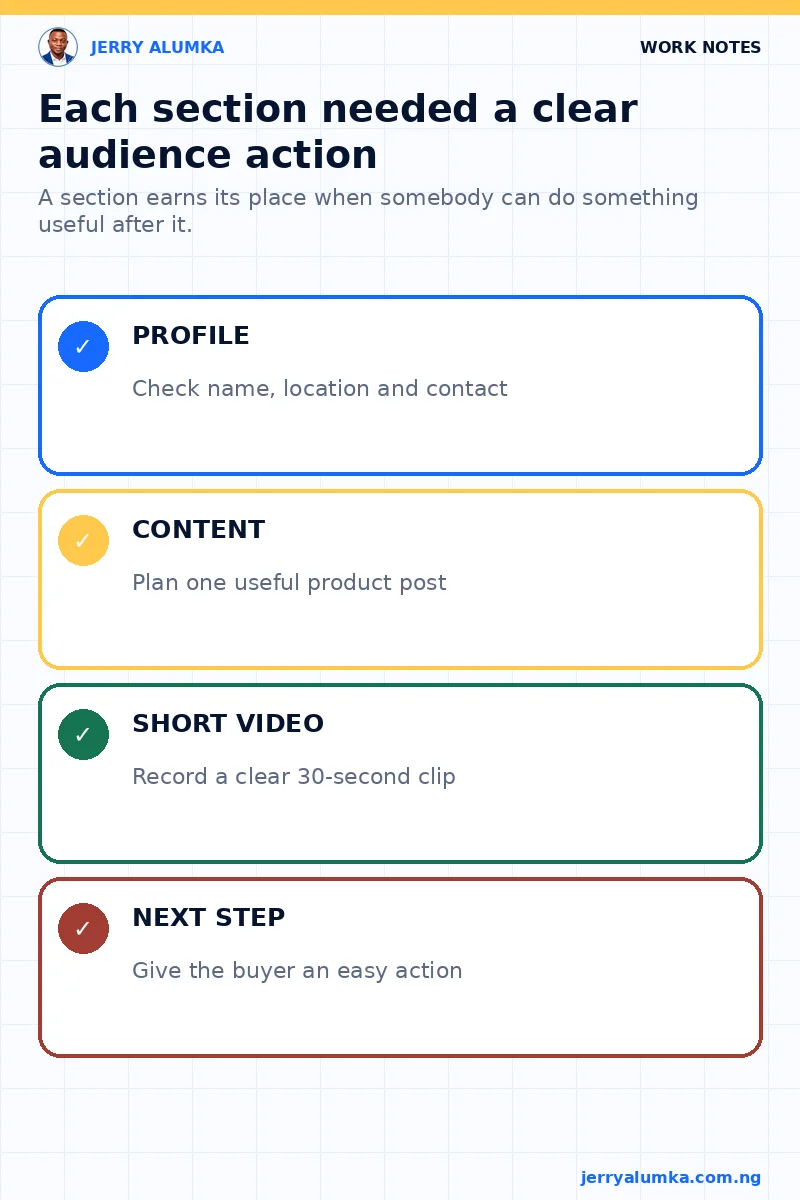
I checked each part by asking what somebody should be able to do after it.
After the profile section, a business owner should be able to check the name, location and contact route. After the content section, the person should be able to plan one useful product post.
After the short-video section, the person should be able to record a simple clip with a clear opening, a good view of the product, one correct benefit and a next step. This test removed material that sounded informative but did not help anyone act.
The handover matters
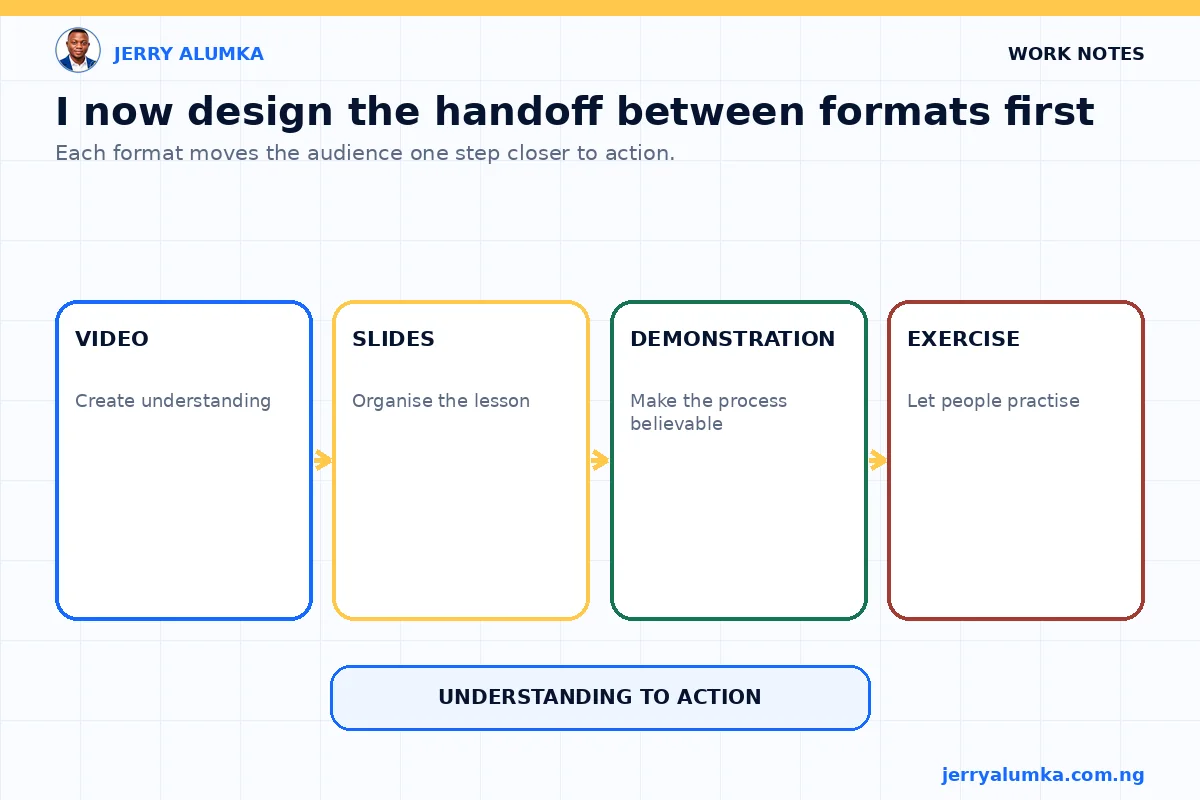
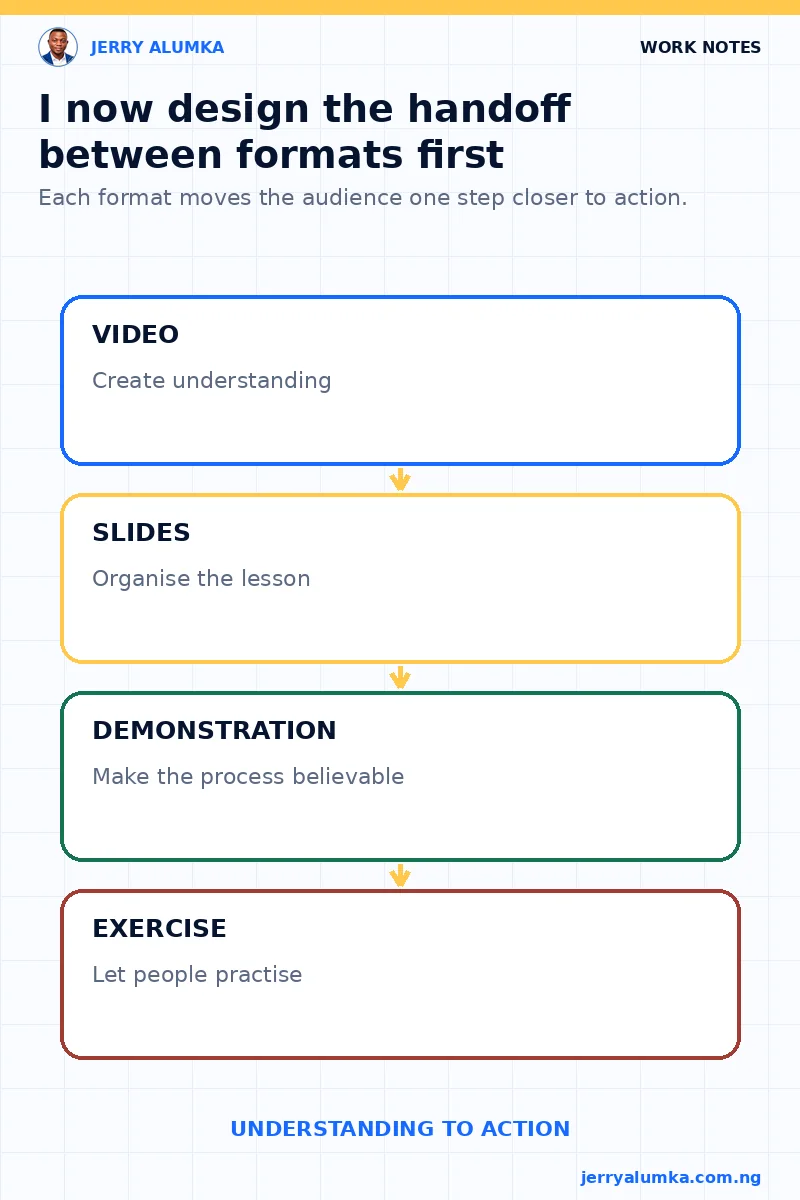
A session may include video, slides, a live example, a document and an exercise. I decide how one part will hand the audience to the next.
After a video, I can ask a question or open an example. After an explanation, people can practise. The change of format should have a reason.
I cannot claim that a good presentation will make everyone act later. People may still need time and follow-up. I can avoid wasting the live session by repeating a recording word for word.
One planning note prevents repetition
Before opening the slide software, write one job beside every format in the session. If the video and slides are doing the same job, shorten the video or give the slides more examples and practice.
That small check protects time for questions, judgement and the kind of practice people cannot get by pressing play.